
Switching to iMedDoc is simpler than you think
Our Implementation Team have helped hundreds of private practices move from their existing system or process to iMedDoc. All without disrupting your clinical operations, data transfers securely, your team gets trained and your practice keeps running.
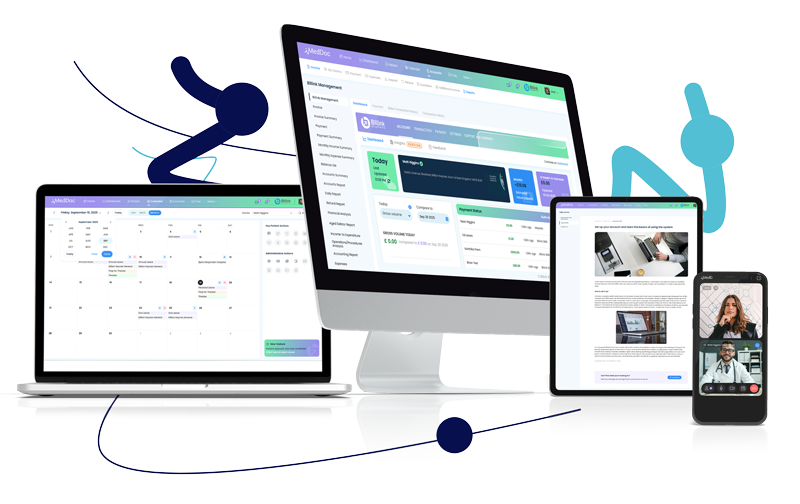
From your current system or setup, to iMedDoc.
Whether you’re migrating from another system or going digital for the first time, the process is the same. Most practices we work with are live within three to five weeks, with your existing operations being uninterrupted. Here’s how it looks, step by step:
Discovery & planning
You’re assigned a dedicated migration lead from the first day. We start to scope your data, templates and integrations.
Test migration
We’ll take a copy of your data and run a full test to iron out any errors or issues. Nothing will go live until you’ve reviewed and approved the details.
User acceptance testing (UAT)
Your team checks the migrated data in a test environment and if there are any issues, we’ll resolve them before confirming your go-live date.
Go-live & training
We collect the final copy of your data and deliver a full training session for your team.
iMedDoc is trusted by over 500 clinicians across the UK & Ireland
From single consultant practices to multi-clinician specialist centres, here is what our customers are saying.
iMedDoc is quick and easy to use. Being able to email more than one document at a time ensures patients and GP surgeries get everything they need in one go. Invoicing is great, and emailing directly to patients has streamlined my accounts – I barely have to chase people now for late payments.
The app is amazing, I don’t need to print anything for my clinic. All the information I need is there and it helps with confidentiality and GDPR compliance. The support service is also excellent.
We are so impressed with the new system and all it has to offer us. Now looking at transferring one of my other consultants over to iMedDoc too. We are all so happy with the ease and quickness of the system and it’s made a lot of our working process much more streamlined and efficient to the patient and the service we offer them. Would 100% recommend this practice software to anyone.






Common questions practices ask before switching
Most migrations to iMedDoc are completed within three to five weeks from signing the contract. The timelines do depend on the volume of data and complexity of your templates. We’ll confirm an accurate timeline during the scoping stage.
During a trial migration you will not need to pause any practice operations as there’ll be no downtime. The migration will run in the background whilst your existing system stays fully operational. With the final go-live migration, your implementation lead will talk you through the process and recommend timeframes and procedures specific to your practice setup.
We can migrate from a wide range of practice management systems. These include Carebit, Semble, Pabau, Meddbase, DGL, e-clinic, Cliniko, Medioffice, Medserv, Zanda and more. Speak to our team if you have a different system and are unsure about data migrations.
We can transfer patient records, clinical notes, appointment history, invoices, billing records, letter templates, referral documents and supporting files. The full scope is dependent upon your current system’s export capabilities. We’ll thoroughly assess this during discovery and will be transparent around what is and is not possible.
As part of our process, we run a full trial migration before anything goes live. Your team reviews the output in the test environment and signs off before we proceed for go-live. This helps to minimise any risk of data loss before going live. All patient data is handled in compliance with UK GDPR throughout, on secure AWS UK infrastructure.
There is no cost for migrating to iMedDoc, it’s included as part of the onboarding process. Please reach out to our team about any requirements or concerns and we’ll walk you through what is covered.
